Spotify for Kodi
Spotify on the TV
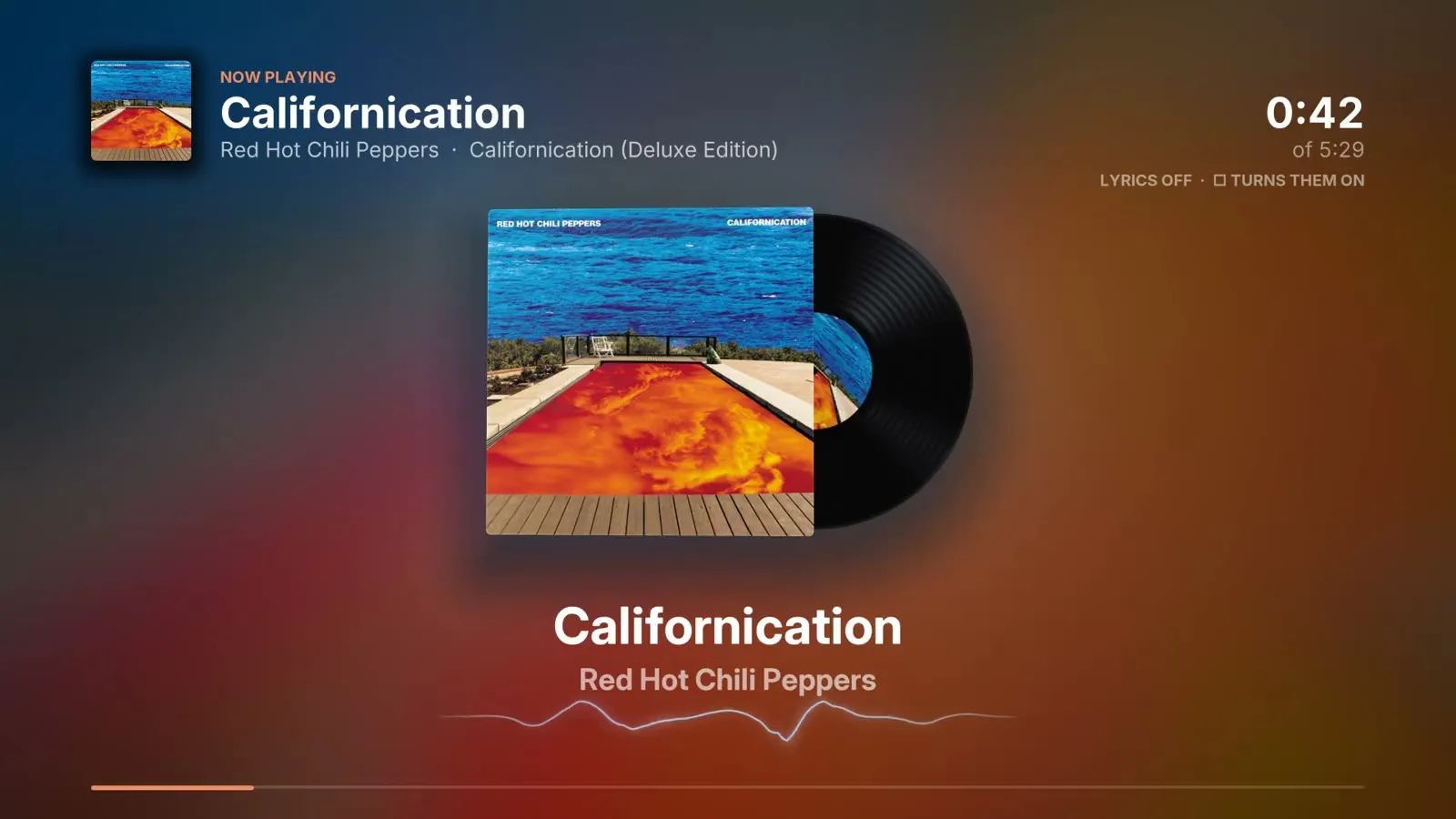
Spotify on the TV: browse and play your music in Kodi with a game controller.
Why I built it
The Spotify options for Kodi kept breaking, so I built my own on top of the official app, and then gave it a visualizer.

- Type
- Kodi add-on, Python
- Status
- In daily use
- Code
- Private
- Revision
- 2026.10
What it does
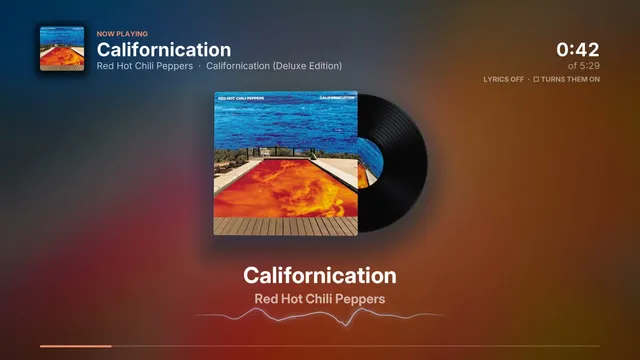
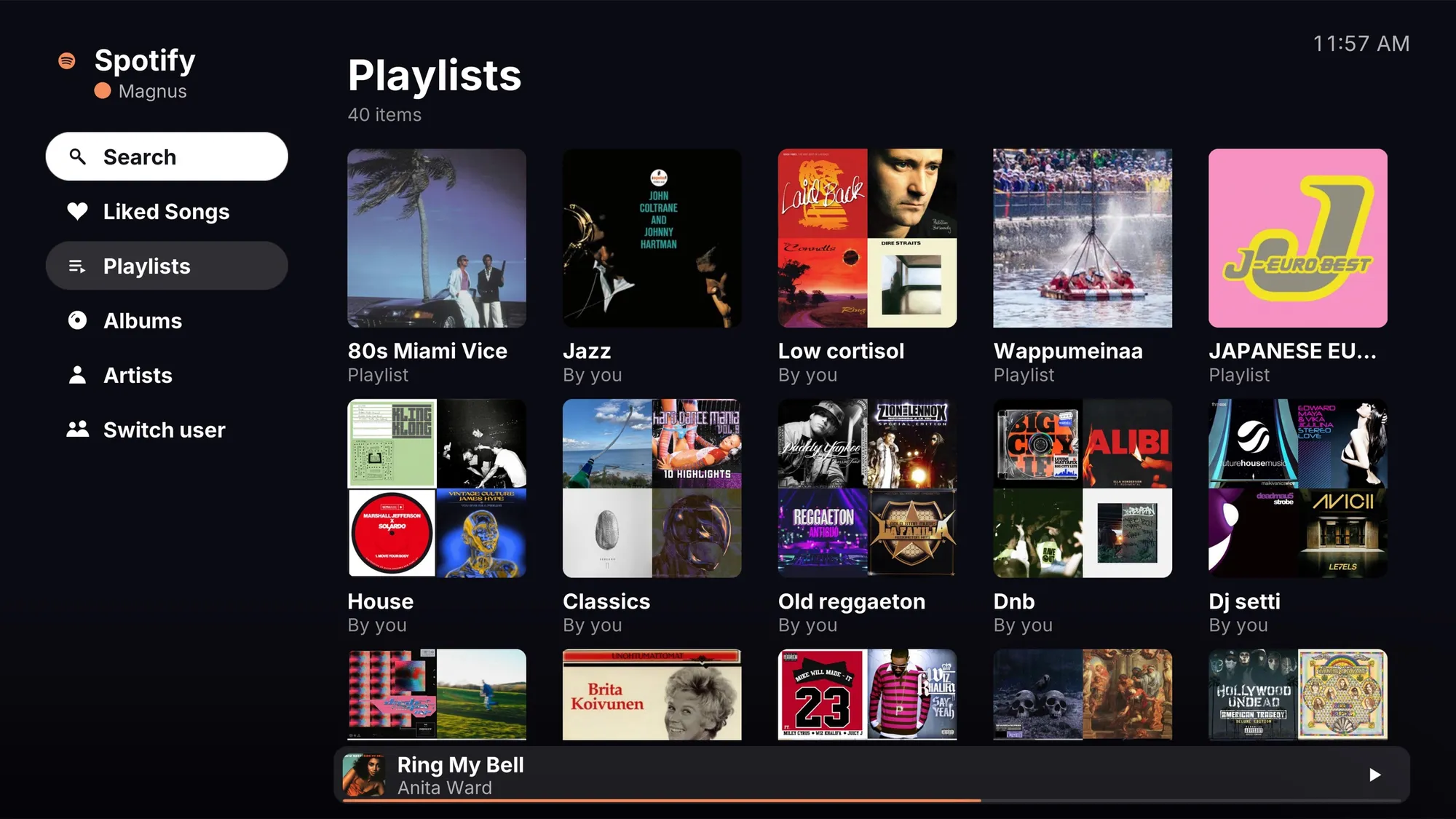
You can browse your playlists, albums, artists and Liked Songs, search, and see what’s playing with synced lyrics, all from the couch. A “Who’s listening?” picker switches between accounts. Now Playing opens a full-screen visualizer: the album art as a backdrop, the lyrics in time with the music and the song’s waveform.
How it’s built
- The music plays in the official Spotify app running in the background, so playback and sound quality are Spotify’s own.
- The add-on controls it through Spotify’s Web API, signing in with OAuth and PKCE. It reads what’s playing straight from the app every second, which uses none of the API quota.
- The synced lyrics come from LRCLIB, an open database.
Functional block diagram
Inputs
- Game controller or phone remote
- Spotify Web API (OAuth, PKCE)
- The Spotify app over MPRIS (D-Bus)
- LRCLIB lyrics
Core
- Kodi add-on (Python): accounts, browse, Now Playing
- Synced lyrics
Outputs
- TV interface
- Full-screen visualizer (C++/OpenGL) with lyrics
Specifications
| Platform | Kodi add-on on a Linux TV PC |
|---|---|
| Control | Game controller or phone |
| Services | Spotify Web API, the Spotify app over MPRIS (D-Bus), LRCLIB lyrics |
| Status | In daily use |
| Built | 2026 |
| Stack | Python, Kodi add-on API, Spotify Web API, OAuth 2 (PKCE), D-Bus/MPRIS |
| Code | Private |
Revision history
| Rev | Date | Change |
|---|---|---|
| C | 2026-10-28 | Status and buttons straight from the app over MPRIS, so it uses no API quota. |
| B | 2026-10-26 | Visualizer stage with synced lyrics. |
| A | 2026-10-25 | Rebuilt on the official Spotify app, one hidden copy per account, driven over the Web API. |